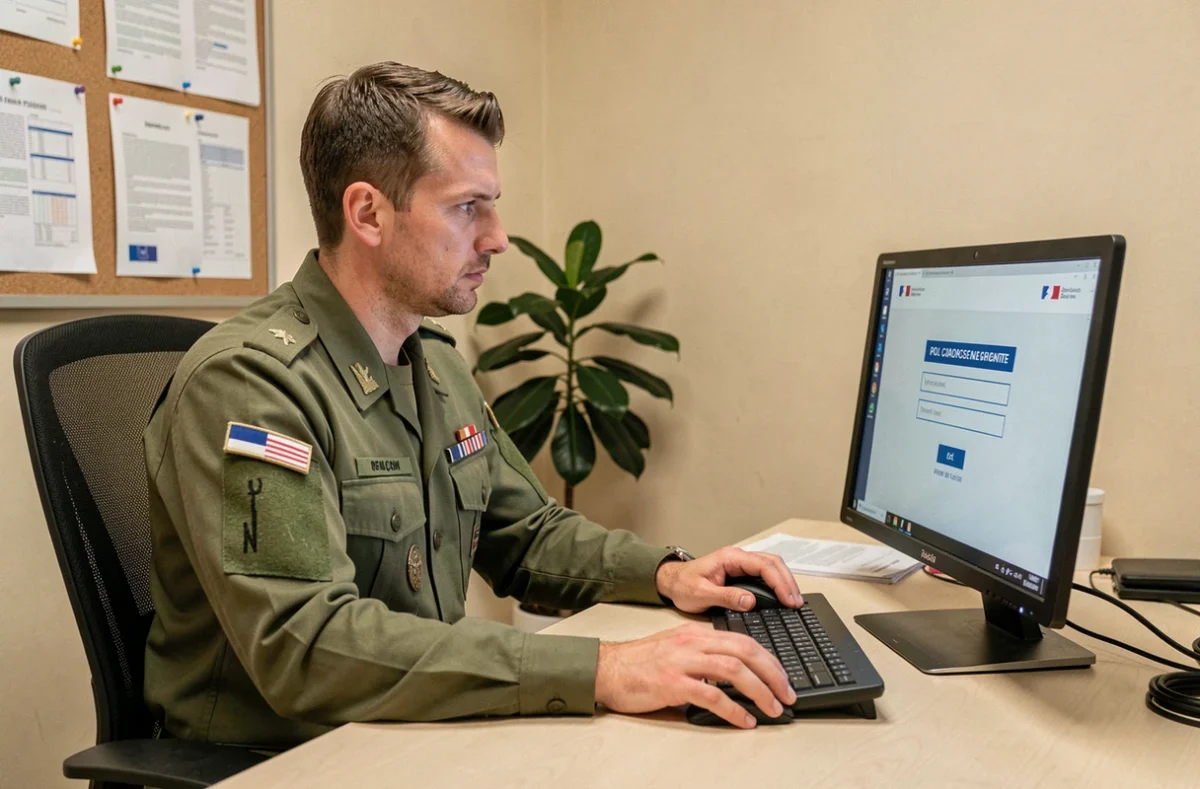
The French Ministry of the Armed Forces’ e-habillement platform centralizes the management of military clothing allowances. Accessing a personal account requires using MinDefConnect, the single authentication system that governs the entire process. Understanding the technical requirements and the differences between user profiles (active-duty personnel, reservists, and gendarmes) can help prevent the most common login issues.
Technical requirements for accessing e-habillement
Before attempting to log in, three conditions must be met. If even one is missing, access will be blocked, regardless of the browser used.
- An active MinDefConnect ID, issued by the Ministry of the Armed Forces’ information system. This ID is separate from any civilian account (FranceConnect, Ameli, impots.gouv.fr).
- A workstation connected to the Intradef network or, for access from outside the network, a standard internet connection and an up-to-date browser (outdated versions of Internet Explorer regularly cause problems).
- An e-habillement account linked to the ID. This link is normally set up by the assigned unit when the service member is inducted or signs a reserve contract.
In most cases, a service member with a valid MinDefConnect ID who cannot access e-habillement has an account-linking issue. This is separate from a password problem.
To better understand how to log in to the French military’s e-habillement platform, it is important to distinguish between creating a MinDefConnect ID and linking it to the e-habillement service—two steps that are often confused.
MinDefConnect login and e-habillement access: step-by-step comparison
The login process involves different steps depending on whether the user is connecting from an Intradef workstation or through a civilian internet connection. The table below summarizes the differences.
| Step | From Intradef | From the internet |
|---|---|---|
| Accessing the portal | Direct link on the Commissariat des armées internal portal | Enter habillement.defense.gouv.fr in the browser |
| Authentication | MinDefConnect with a workstation certificate (authentication is often seamless) | MinDefConnect with manual entry of username and password |
| Two-factor authentication | Rarely required on an enrolled workstation | May be required depending on the security policy in effect |
| Access to the catalog | Immediate after authentication | Immediate after authentication |
| Main risk | Expired workstation certificate | Incompatible browser or full cache |
On Intradef, authentication is often seamless because the workstation certificate automatically verifies the user’s identity. From the internet, each session requires manual entry, increasing the risk of typos and account lockouts after several failed attempts.
Using the interface after logging in
Once authenticated, users can access their personal account. The interface displays their clothing allowance points balance, the catalog of available items, and their order history. Items are organized by equipment category (combat uniforms, dress uniforms, footwear, accessories).
The catalog shown depends on the user’s branch of service. An Army service member does not see the same items as a sailor or an airman. This filtering is automatic and based on the profile linked to the account.
e-habillement login problems: causes and solutions
Military forums are full of reports of login issues. An analysis of the most common reports reveals three categories of problems, listed in descending order of frequency.
MinDefConnect account not activated or expired
Reservists are the most affected. A recurring report in Army reservist groups describes the following situation: a service member tries to log in to e-habillement, the system redirects them to MinDefConnect, but no account exists in their name in the authentication system.
The reason is simple: the unit is responsible for creating the MinDefConnect account. Until the personnel office initiates the process, access is not possible. In this case, contacting the assigned unit is the only solution.
Confusion between ministry portals
The Ministry of the Armed Forces operates several digital platforms (Eurêka for support services, Portail RH, Intradef). Each has its own access rules. Eurêka and e-habillement are separate services with separate access permissions: having a working ID for one does not guarantee access to the other.
This confusion is compounded by the fact that all these services use MinDefConnect as their authentication system. The ID is the same, but permissions vary depending on whether the account is linked to each service.
Browser-related technical issues
When connecting through a civilian internet connection, three steps resolve most technical issues:
- Clear the browser cache and cookies before trying to log in again.
- Use a recent browser (current versions of Chrome, Firefox, or Edge). Older versions of Safari can sometimes have issues with the portal’s security certificate.
- Temporarily disable ad-blocking extensions, which may interfere with the redirect to MinDefConnect.
Reservists and gendarmes: specific access to e-habillement
Access to e-habillement is not the same for everyone. Reservists and gendarmes face specific requirements that do not apply to active-duty personnel.
For reservists, access to the e-habillement service depends on the full administrative approval of the ESR contract (commitment to serve in the reserve). Before approval, the e-habillement account simply does not exist, even if the MinDefConnect ID is active for other services.
The Gendarmerie also uses the e-habillement platform, but its catalog and points allowance follow rules specific to the institution. Gendarmes do not order the same items as Army soldiers, and their access is configured accordingly when their account is linked.
The time between induction and the opening of an e-habillement account varies by unit. Some service members report waiting several weeks. If the delay is prolonged, the request must be handled through the unit’s clothing office, the only point of contact authorized to resolve the issue with the Commissariat des armées.
Logging in to e-habillement is therefore less a technical challenge than an administrative process: a MinDefConnect ID, a link to the service, and permissions based on the user’s profile. If any one of these elements is missing, no browser troubleshooting will help. The most effective first step is to contact the assigned unit and check the status of the account link.